Product photos in your house style, no photographer
Send a photo of your product as a reference and get lifestyle images in your brand colours.
- Sign up and hear among the first when there is room
- The demo is simply open
- Business only, all prices excl. VAT
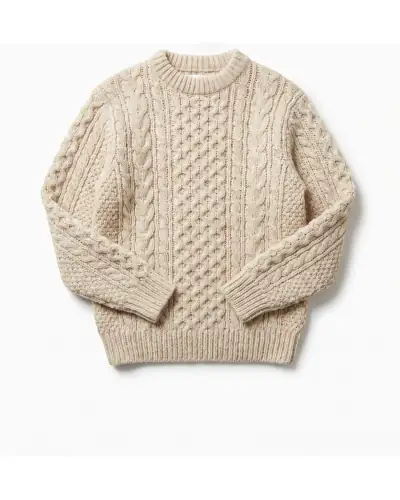


This is how Creative Studio works: you add a photo of your product and of your model and type that the model should wear the sweater by a Christmas tree. The lifestyle image appears and passes the brand gate, which checks colour, contrast and logo space. Then the same photo is ready in four formats: square, portrait, story and wide.
From avatar and product to a photo, in five steps
Make an avatar
Describe who it is and choose from candidates, or bring in a model you booked. The face stays the same in every image.
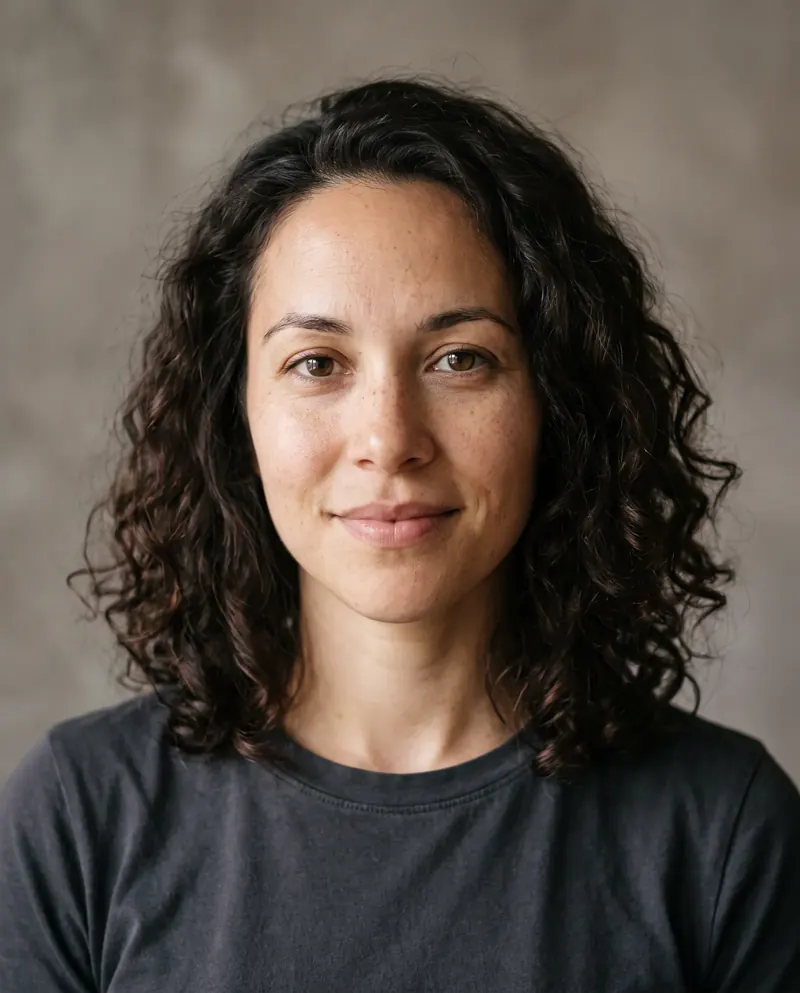
Avatar, invented and made with AI Choose your avatar and your product
You add a photo of your product with the role product. That keeps the sweater recognisable.
Avatar 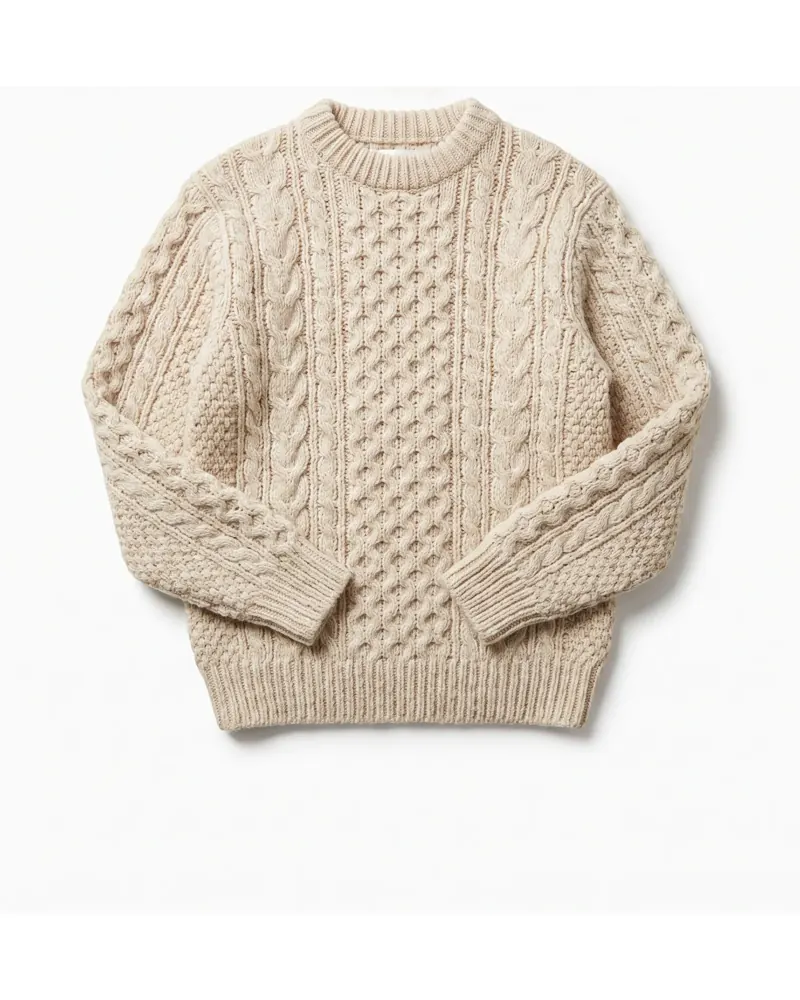
Product, role: product Describe the setting
A concrete place works better than a vague word. Change one thing per round.
What you describeThe woman wears the sweater and sits on the floor by a Christmas tree, in lamp light.
- Christmas tree
- Snow
- City
Choose the model
The list only shows models that can do this job, with what it costs. For a product in a scene we recommend Nano Banana Pro.
ModelA product in a scene, with references
- Nano Banana Pro
- GPT Image 2
- Nano Banana 2
A draft first, then the final
The price is shown next to the button beforehand. If the trial is right, you make the same photo in final quality.
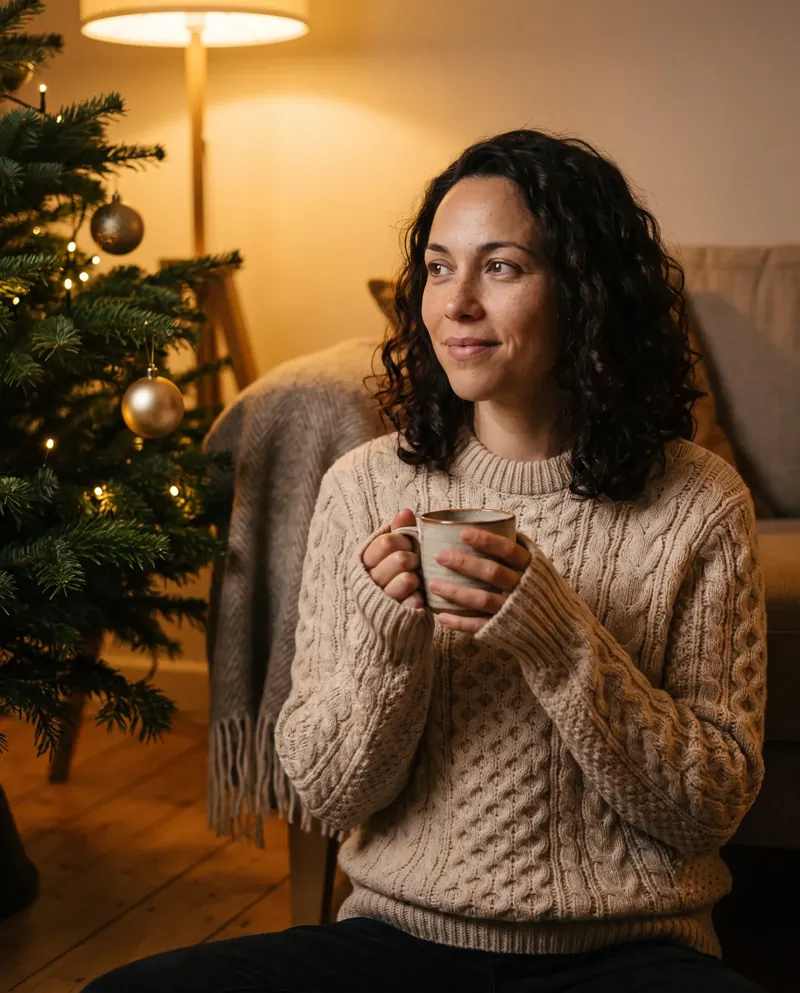
- Example, made with AI
- Provenance recorded
What it looks like
The product 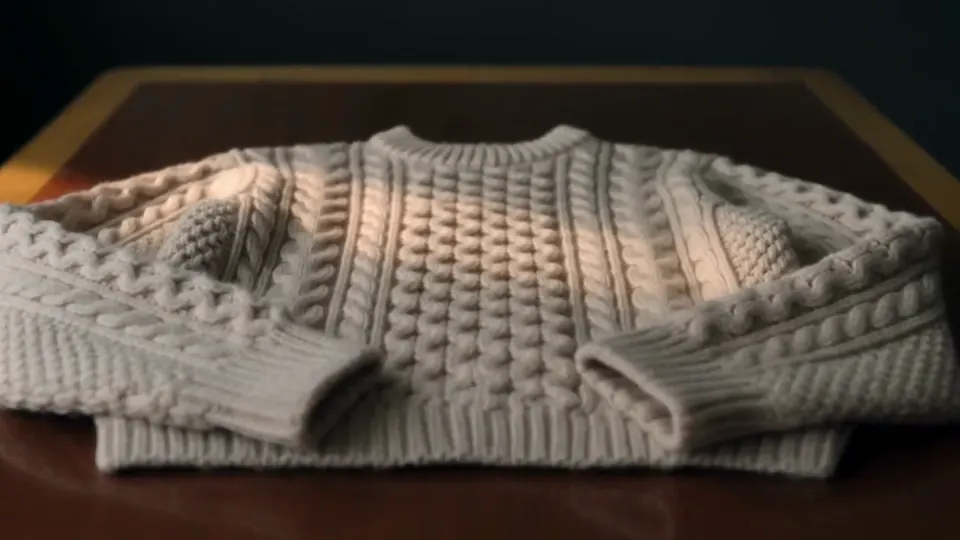
Close-up of the knit 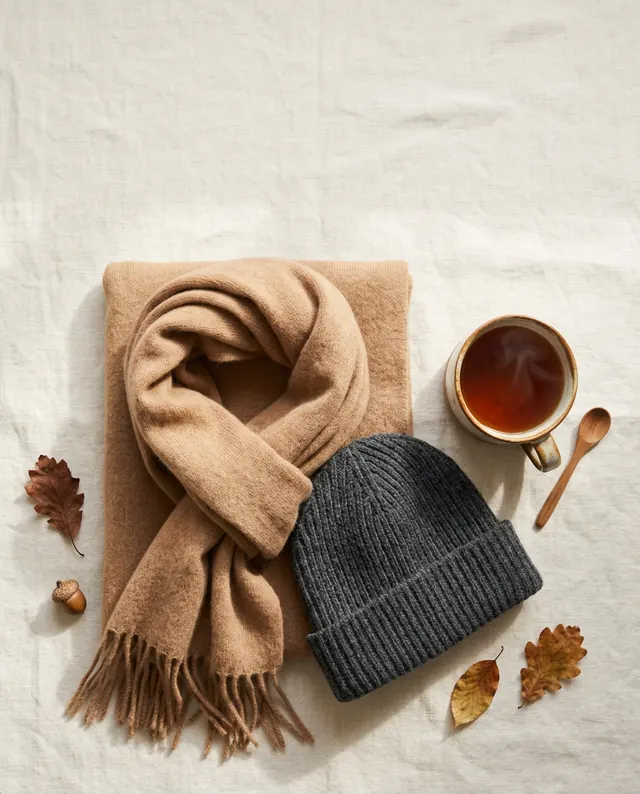
Flat lay with tea and autumn leaves
What you get
- Your own product as a referenceYou send your photo with the role product and mention it in the prompt.
- A draft first, then the finalYou generate a draft first.
- The price is shown up frontNext to every button it shows what the action costs and which provider carries it out.
- Provenance recordedEvery image carries provider, model, prompt fingerprint and cost, also in the file itself.
Made with Denkploeg, checked by the brand gate
Ads for invented brands, with AI images. Each one went through the brand gate: house style, legibility and safe zone.
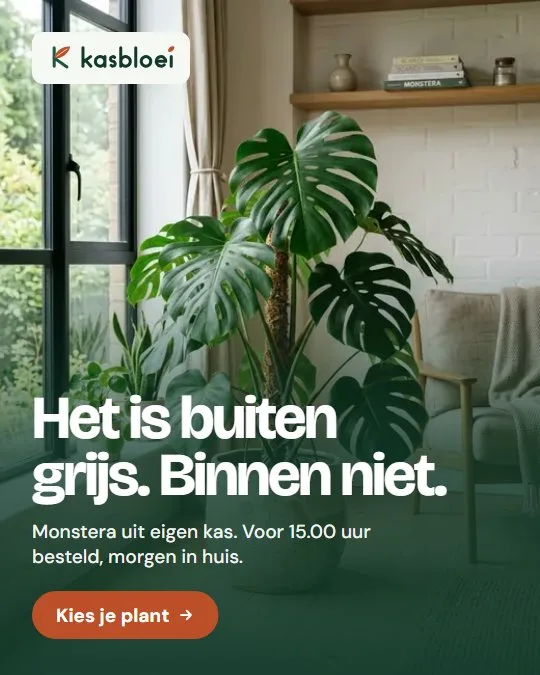
KasbloeiNursery with web shop 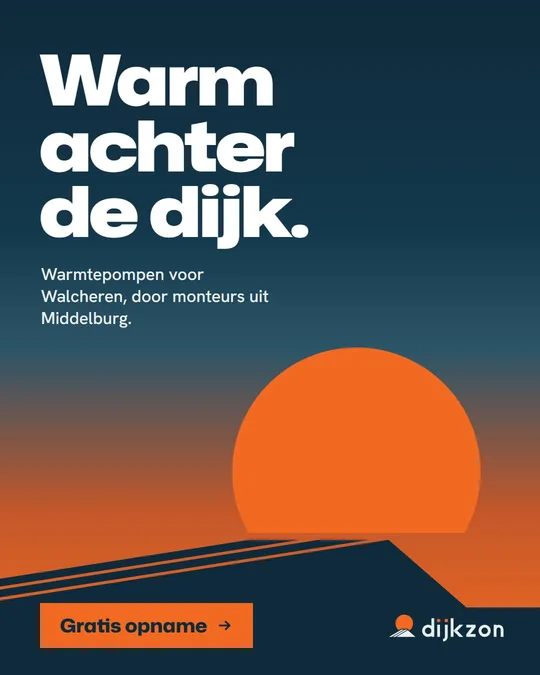
DijkzonHeat pumps and solar panels 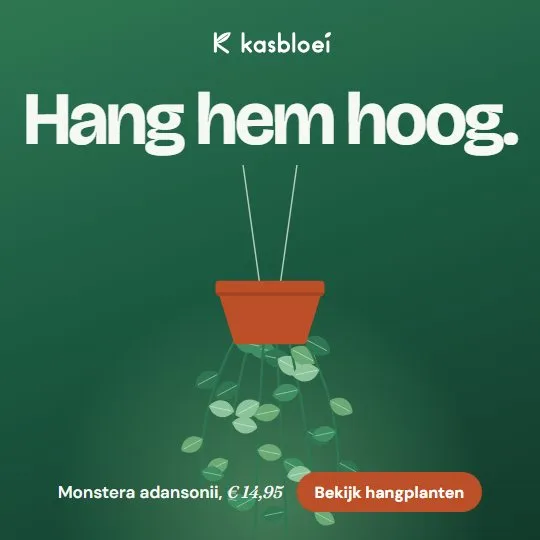
KasbloeiNursery with web shop 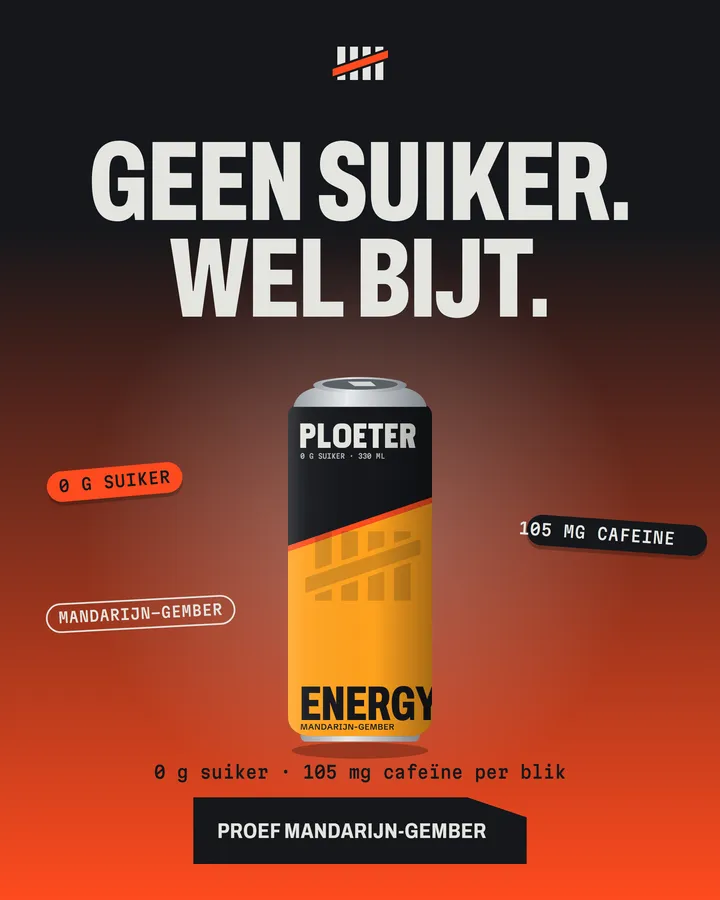
PloeterSports nutrition 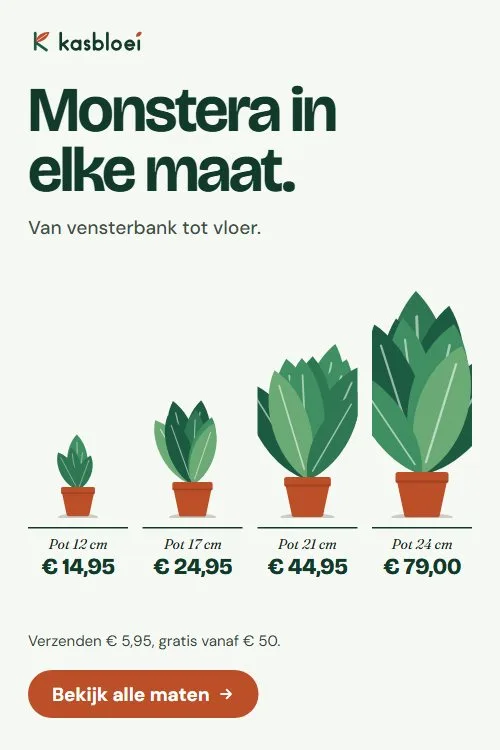
KasbloeiNursery with web shop 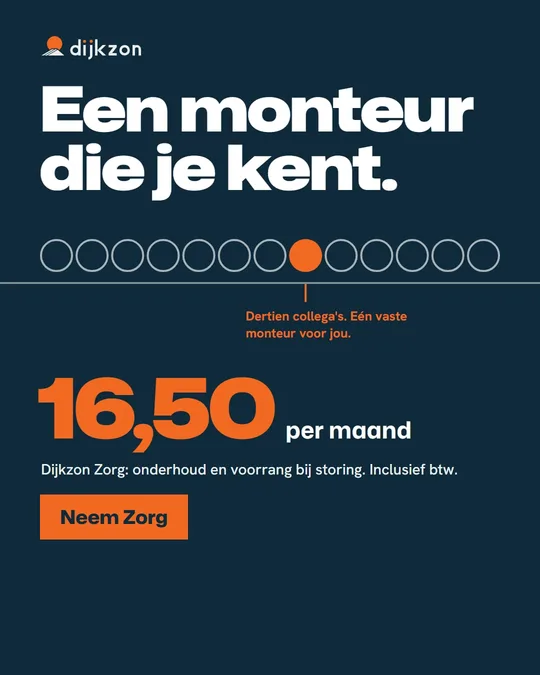
DijkzonHeat pumps and solar panels 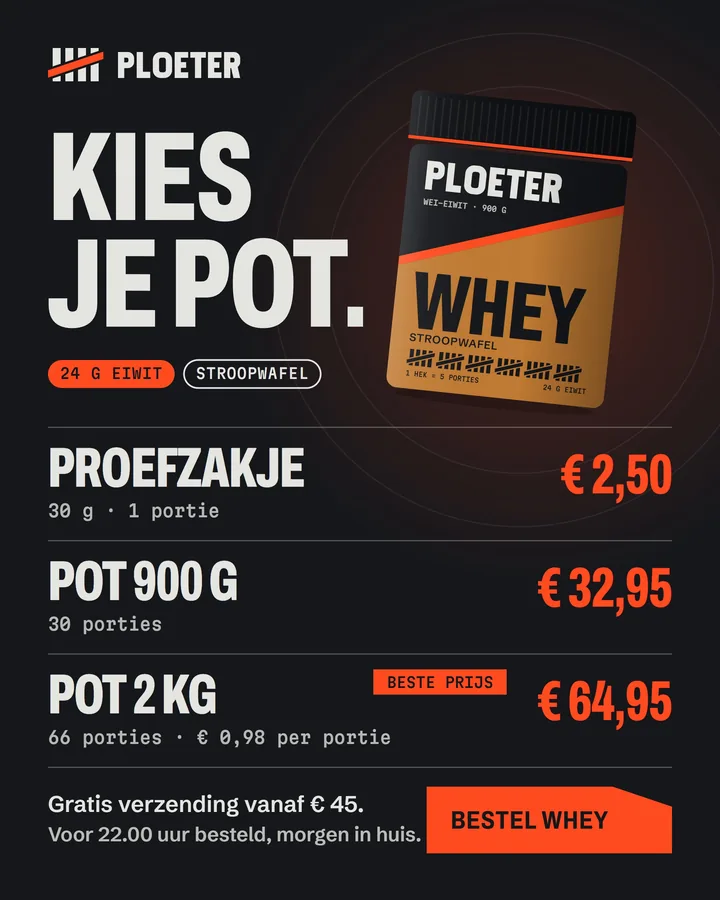
PloeterSports nutrition 
KasbloeiNursery with web shop 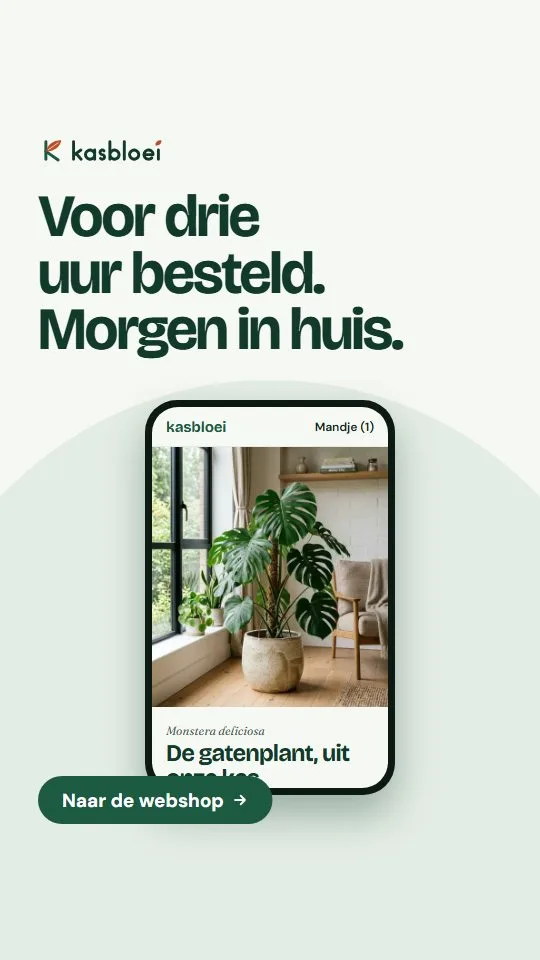
KasbloeiNursery with web shop 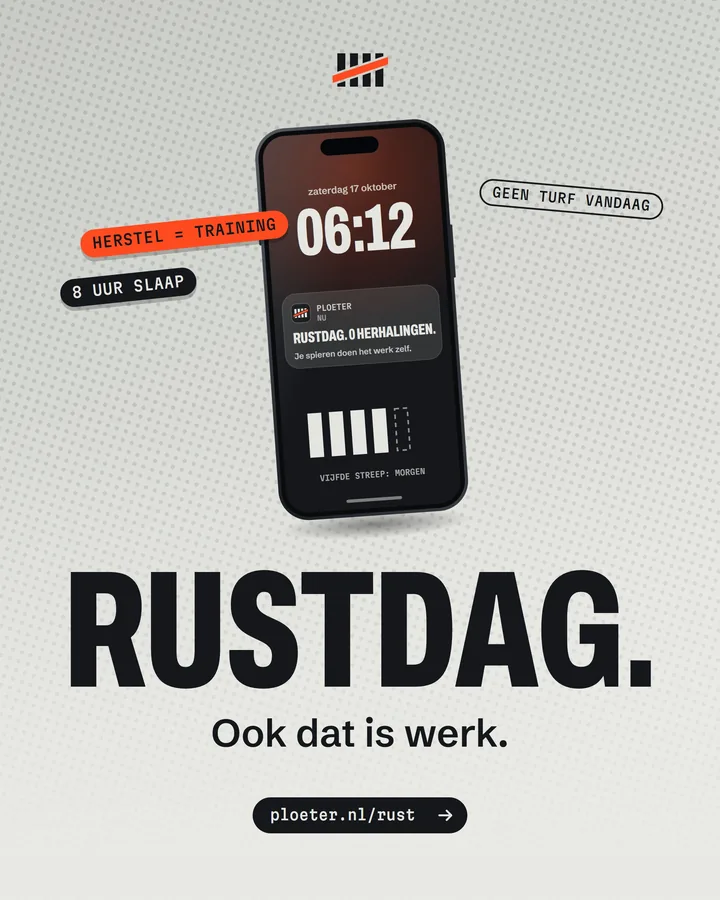
PloeterSports nutrition


What does it cost?
The price per month, excluding VAT. You can switch package.

Creative Solo
Make images in your own brand style.
- 800 credits per month
- 1 user included
- Nothing goes out without your signature
Ads
Make and sign ads in your brand; measure once you connect Meta or Google.
- 800 credits per month
- 2 users included
- Ads in every format, in your brand
- Nothing goes out without your signature
Product photos next to Photoroom and Pebblely
What the providers' own pages say, side by side. We compare the package you make images with.
| Reference | DenkploegImages | PhotoroomPro, Max, Ultra | PebblelyBasic en hoger |
|---|---|---|---|
| Price per month | €39 per month, excl. VAT | Price not on the page. 8,000 (Pro), 25,000 (Max) or 75,000 (Ultra) AI credits per month | $ 9 (30 images), $ 19 (200 images) or $ 39 (500 images) per month |
| Your own product photo as a starting point | Yes | YesSource image, generate backgrounds | YesUpload, themes |
| Price per image visible beforehand | YesAt the button | Open (not established) | Open (not established) |
| A failed generation costs nothing | Yes | Open (not established) | Open (not established) |
| Origin of every image recorded | Yes | Open (not established) | Open (not established) |
| Enforce brand colours | YesThe brand gate checks every image | PartlyBrand Kit in all plans | Open (not established) |
| Why Denkploeg | You provide your own product photo and Denkploeg makes atmosphere images of it in your house style. The price per image is shown beforehand at the button, a failed generation costs nothing and for every image it is recorded how it was made. | ||
Source and reference date: Denkploeg (app.denkploeg.nl/ai-productfotos); Photoroom (www.photoroom.com/pricing); Pebblely (pebblely.com/pricing) ().
Amounts are in the currency of the source and are not converted. Open means we could not establish it on that page, not that it is missing. Whether VAT is in an amount, we only say when the source says so. Is something wrong, or out of date? Let us know.
There is more to it

 Brand Studio
 Video Studio
 Social Media Studio
Good to know
Are AI product photos allowed on Marktplaats, Bol and Amazon?
Each platform decides that itself and it changes. Read their rules for product photos. We cannot guarantee that an image is accepted.
What if the AI changes my product?
That can happen. Send your own photo as a reference with the role product, mention it in the prompt, and change one thing per round. You check every result.
May I use the images commercially?
That depends on the model that made the image. The provider is shown with every image in the library, so you can read the terms. This is not legal advice.
What does a photo cost?
Next to every button it shows up front what the action costs, in credits. A draft is cheaper than a final and a failed generation costs nothing.
How many photos do I get?
That depends on the credits in your package and the quality you choose. On the prices page you see roughly what a package yields, rounded down.
Honest about what AI product photos do not do
What we do not do:
- The model does not put text in your image. You add text yourself, and an image with wrong text is a new generation.
- The AI can change your product. That is why you send a reference and check the result yourself.
- Whether an image is allowed on a marketplace or web shop is decided by that platform. Read their rules; we cannot guarantee it.
- Monthly credits expire at the end of the month. Credits you buy additionally remain.
Start with one question
No card. You see the price up front and decide whether to continue afterwards.


